
AI creative partner

AI can brainstorm, research, edit, and rehearse alongside you — but only you can answer the question that actually matters: is this still yours? Here’s how to make AI a real creative partner instead of a shortcut around your own creative process.


“Technology is neither good nor bad; nor is it neutral.”

This is Melvin Kranzberg’s First Law of Technology. The important part is that last phrase: “nor is it neutral.” As technology advances, it changes our world and reshapes the environment around us in ways that can’t simply be undone. Once a new technology becomes part of society, we don’t go back to the world that existed before it. From the printing press to television to the internet, every major technology has reshaped how people think, communicate, create, and organize their lives.

Artificial intelligence is just the latest iteration of this. Creativity is one area where that change is already causing major friction.

AI-generated work has created serious ethical concerns across writing, art, music, and other creative fields. It has lowered barriers to producing professional-looking work, while also raising legitimate concerns about the careers and livelihoods of creative professionals. When someone can write a couple sentences, click a button, and generate an entire book, there’s good reason to worry about fraudulent and deceptive uses of AI as a creative tool.

There are broader political and economic questions surrounding AI, which are beyond the scope of this article, but for now I want to focus on how individual creators can use these tools ethically and productively.

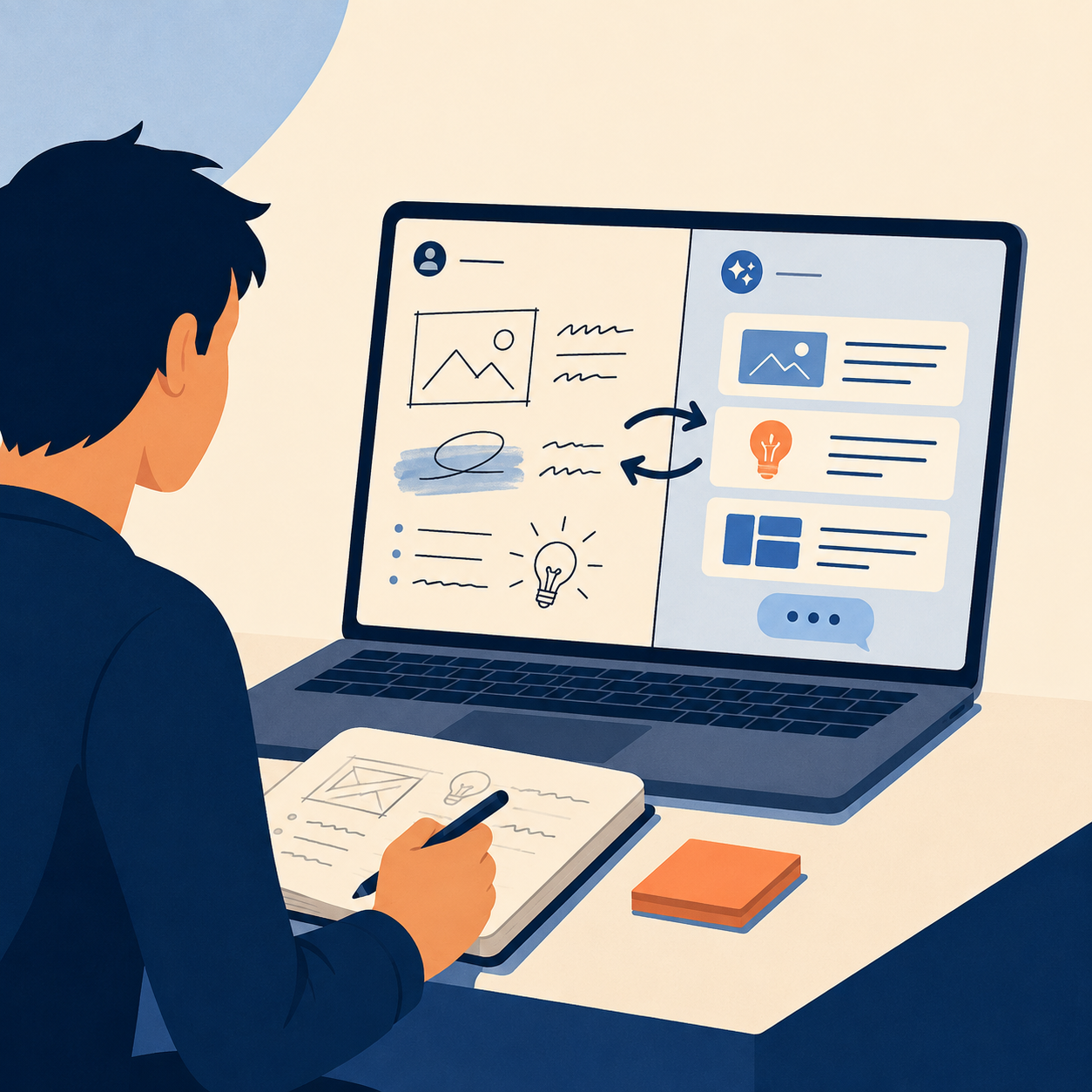
There is an important difference between asking AI to create something for you and using AI to help you create something yourself. AI can be a valuable creative partner, but it shouldn’t become a creative replacement.

The Agency Question: Is This Mine?

For creative people who choose to use AI, one important question to ask yourself is: “Is this mine?”

Does the finished work still reflect your ideas, taste, judgment, and creative intentions? Or has AI started making the important creative decisions for you?

This isn’t a perfect test. Personal integrity is always a factor. Someone may give AI a single page full of instructions and think, “This is mine.” Ultimately, you have to draw that line for yourself and be honest about how much of the finished work actually reflects your own creative vision.

The truth is creativity has always involved outside influences, feedback, editors, collaborators, mentors, and tools. What matters is whether you still feel a genuine sense of authorship over the final result.

AI should help you explore and develop your creativity, not outsource the creative process. There are many ways to use AI while still remaining the person in charge of the work.

Ways to Use AI as a Creative Partner

  • Brainstorming – AI can be a useful sounding board for kicking around new ideas, asking questions, playing devil’s advocate, exploring different directions for a current project, or thinking out loud through voice chat. At this stage, you don’t need to worry about answers. Just have a conversation that helps you clarify your thoughts and vision.
  • Research / Learning – AI is a powerful research assistant for finding articles, press releases, scientific studies, and other useful information on almost any topic. It can help you stay up to date on current news and developments in your field, point you toward new research avenues, and break down complex material into something easier to understand, including summarizing longer studies and tracing information back to original sources.
  • Planning / Organization / Goal-Setting – AI can help you turn a messy vision into a clear plan of action. It can break down a large project into smaller, more manageable steps, including setting specific goals and deadlines. From there, it can help you decide what deserves your attention next and keep the broader direction of the project in view. Uploading your raw notes and other relevant material can keep AI on the exact same page as you as the project develops.
  • Design / Concept Art – AI can help you visualize a project before committing to any final decisions. You can generate rough mock-ups or placeholders for things like business logos, web designs, book or album covers, and other visual branding. You can also brainstorm on a visual level by creating concept art or storyboards, or communicate information more clearly through flowcharts, diagrams, and infographics. Once you’re ready to do the work yourself or hire a professional, you already have a clearer visual direction to work from.
  • Editing / Refining – AI can serve as a personal editor when writing. At the most basic level, it can identify spelling and grammatical errors just like any other spellcheck tool. But it can also look at your work as a first-time reader and help you refine your language, catch awkward phrasing and unnecessary repetition, or identify places where your writing loses consistency or flow.

  • Coding / Debugging – AI can make basic coding and technical problems easier to understand and fix, especially if you don’t have a strong programming background. I’ve used it for small fixes on this website, including design changes and troubleshooting problems I’d otherwise need outside assistance with. For creative people, this can remove a lot of the technical friction that normally gets in the way of building something online. For experienced programmers, it can speed up routine work by streamlining simpler coding tasks and generating rough code they can refine themselves.
  • Feedback / Testing – AI can provide surprisingly human-like feedback, as if you were asking a friend for a second opinion on something you’ve made. You can share your writing and ask, “Where does this chapter lose momentum?” send a link to your website and ask, “What would a first-time visitor think this is about?” or upload a song and ask, “What genre best describes this?” This can help you spot weak spots, confusing sections, or unintended impressions that are difficult to notice when you’ve been immersed in a project for too long and need a fresh set of eyes. AI can often articulate a problem that other people sense but don’t quite know how to explain.
  • Rehearsal / Role-Playing – AI can simulate another person so you can practice situations before experiencing them for real. You can rehearse job interviews, presentations, pitches, or other professional conversations, which can be especially useful for creatives trying to communicate their work or break into an industry. Through voice chat, you can actually run through these scenarios and practice your delivery in real time. On the creative side, you can test fictional dialogue, interview your own characters, role-play scenes from a book, film, TV show, or video game, or gauge how different audiences might respond to your work.

Give AI Better Inputs

Don’t treat AI like a blank search box where you just enter isolated prompts. Like any creative partner, it works better through an ongoing back-and-forth and a shared understanding of what you’re trying to create.

Before asking AI to do anything, explain your project, upload any relevant work or notes, and define your specific goals. You can also share constraints, examples of what you like, previous decisions, or ideas you’ve already rejected. The goal isn’t simply to give AI more information, but better information that’s relevant to your work. The richer the shared context, the easier it is for AI to stay on the same page as you and give responses that actually fit the project.

By creating dedicated projects and sharing relevant files, you can also jump back into your work without needing to reexplain everything from scratch. That continuity is one of the main reasons AI can become a useful long-term creative partner.

Of course, more context doesn’t mean blindly uploading everything. Some creators may be uncomfortable sharing unpublished or proprietary work because of concerns about how AI companies store or use their data. Know the policies of the tools you use and decide what you’re comfortable sharing.

AI Is Just One Feedback Loop

AI can be a powerful tool, but don’t forget that it’s just one feedback loop in the creative process.

Creative work already runs on multiple feedback loops: your own judgment → collaborators → friends → editors → beta readers → audiences → revision. AI simply adds another source of input.

Both human and AI feedback have weaknesses, so it’s best to set up a system of checks and balances between the two. Double-check facts and compare different perspectives before taking any one piece of feedback as gospel.

Ultimately, you may take in feedback from a variety of sources, but you still put the final stamp of approval on the work.